
Mock Email Templates


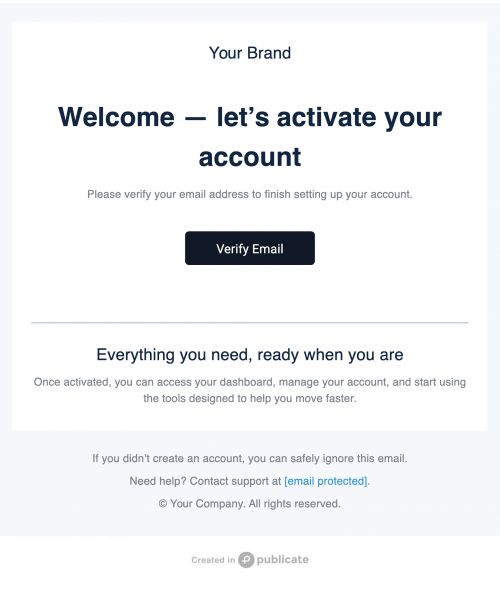
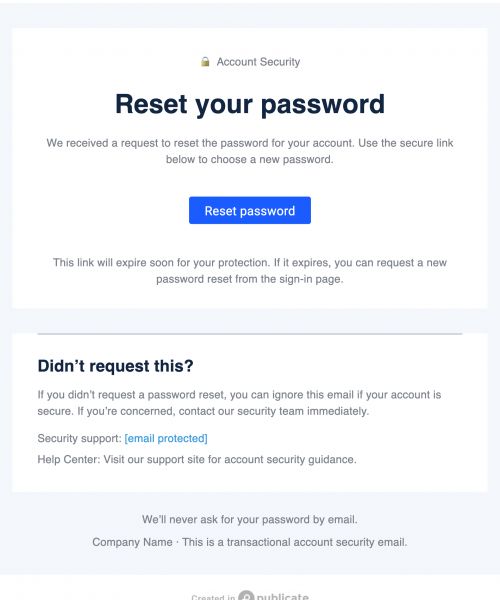
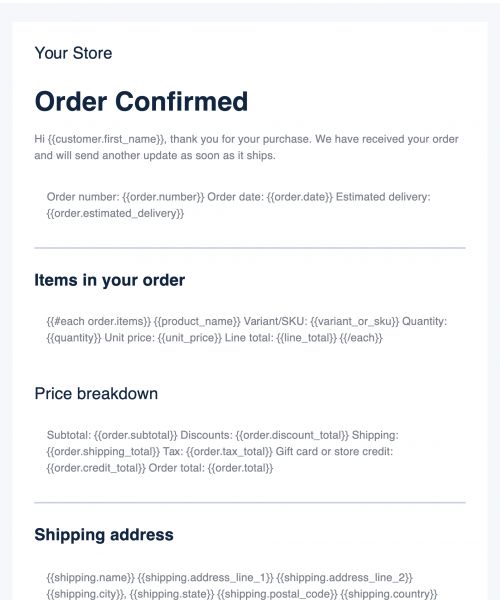
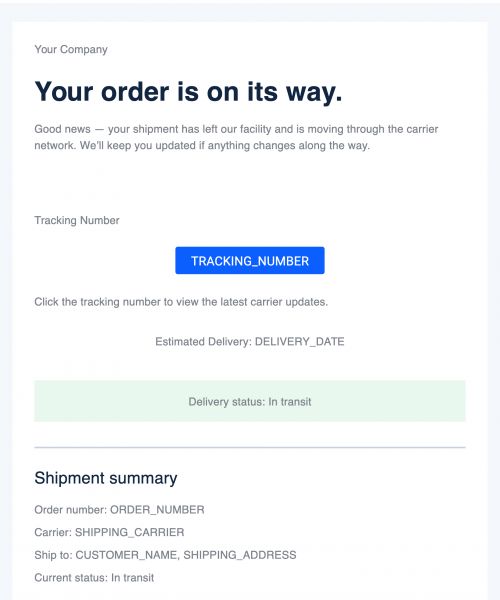
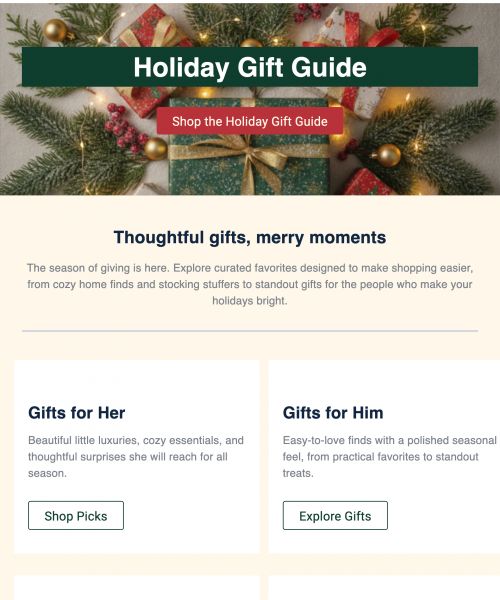

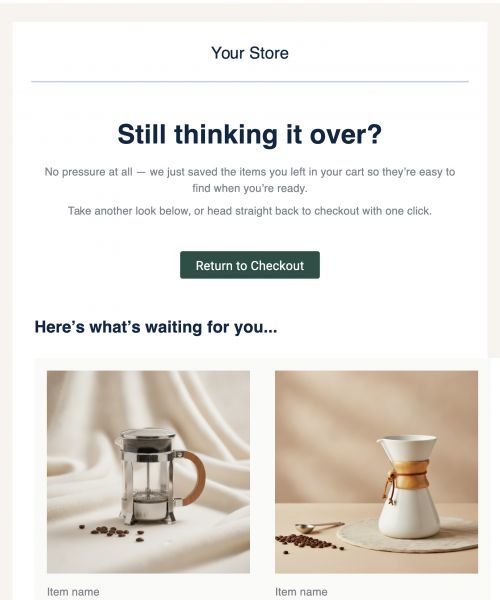
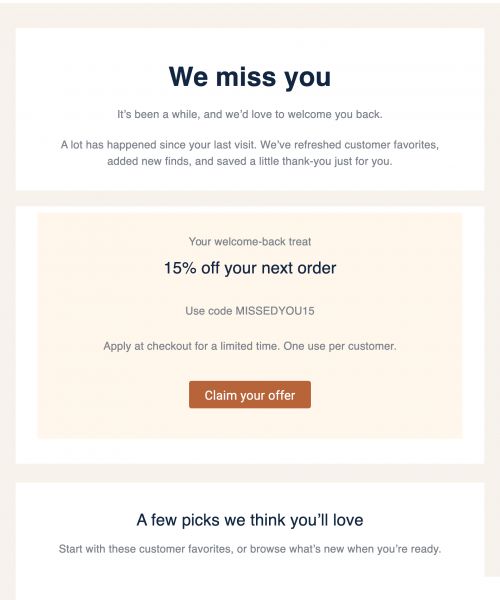
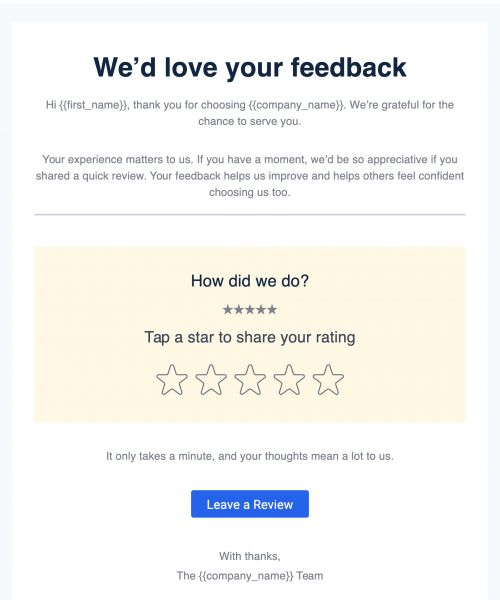
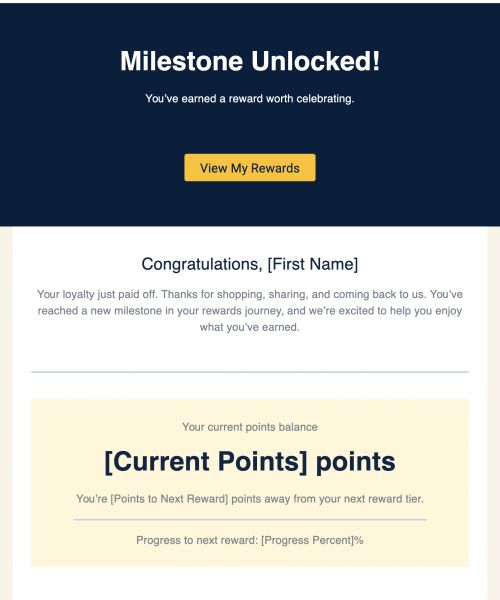
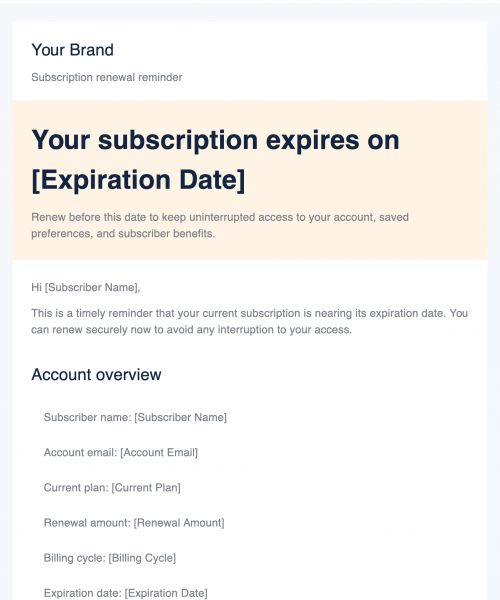
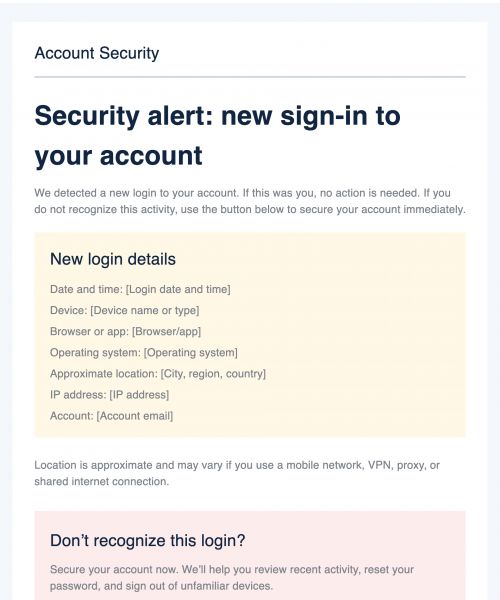
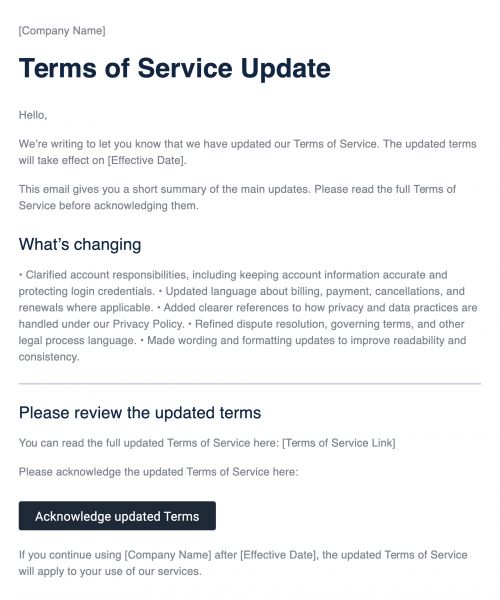
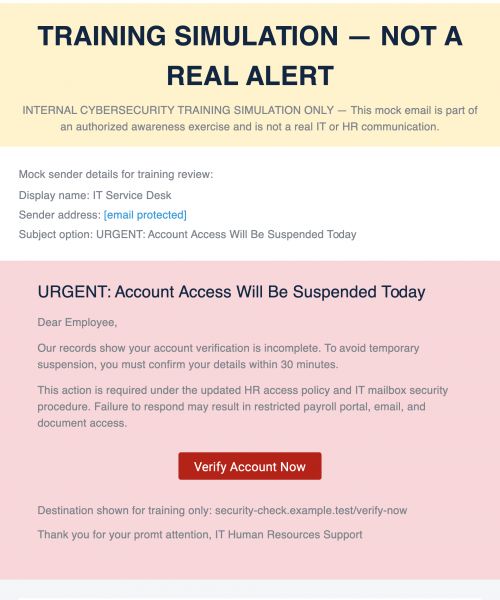
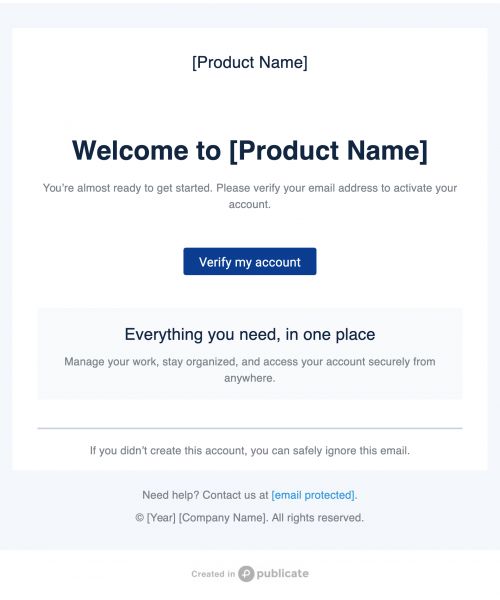
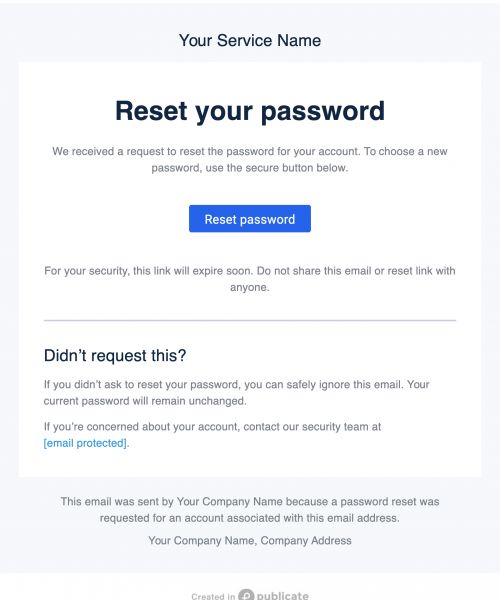
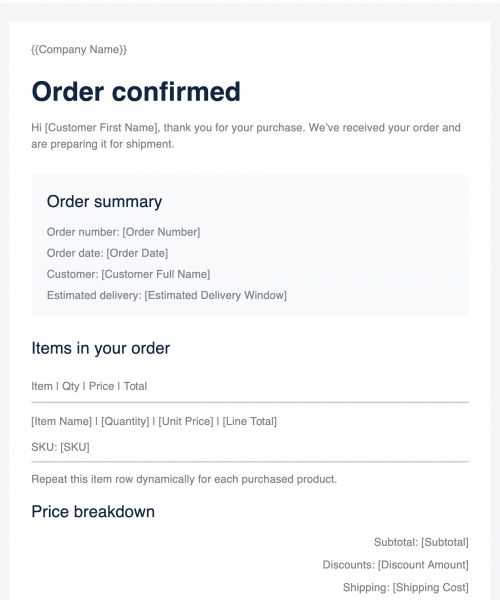
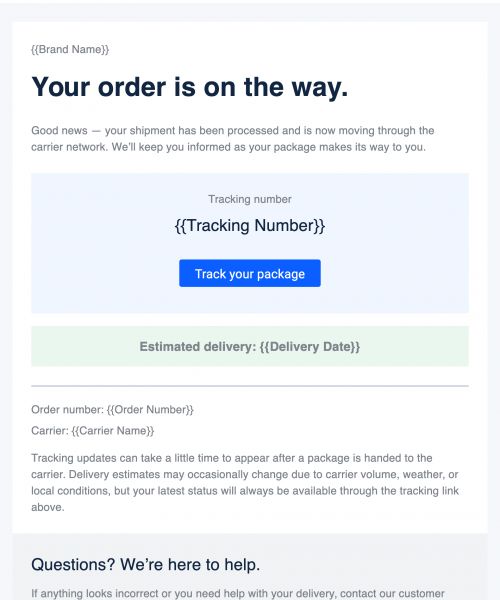
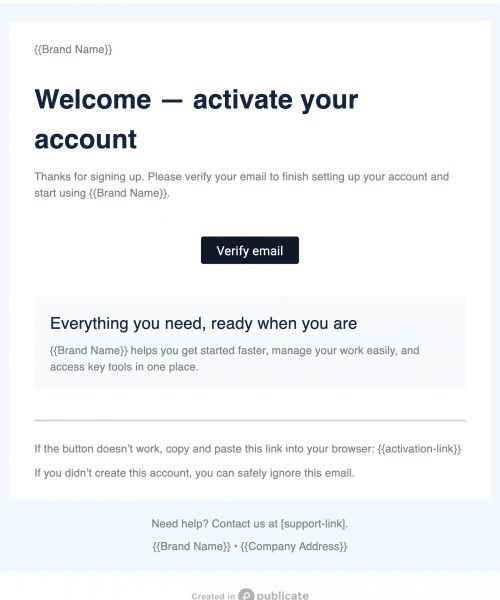
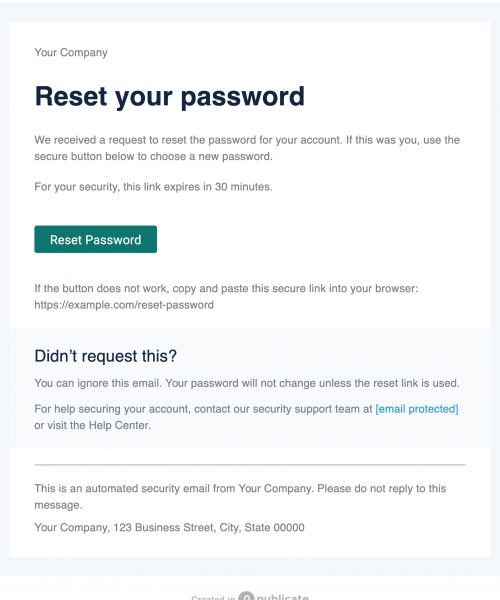
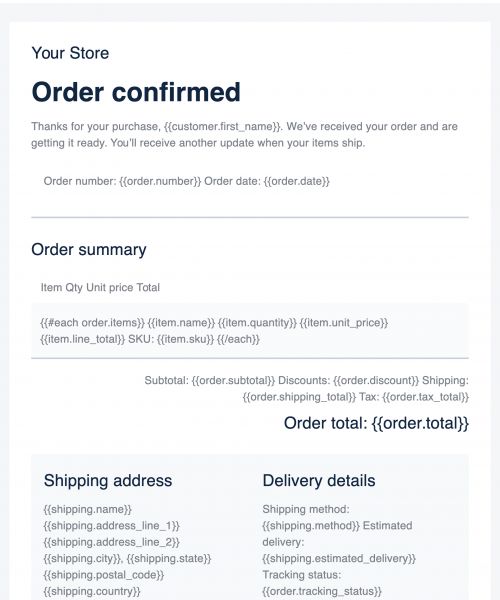
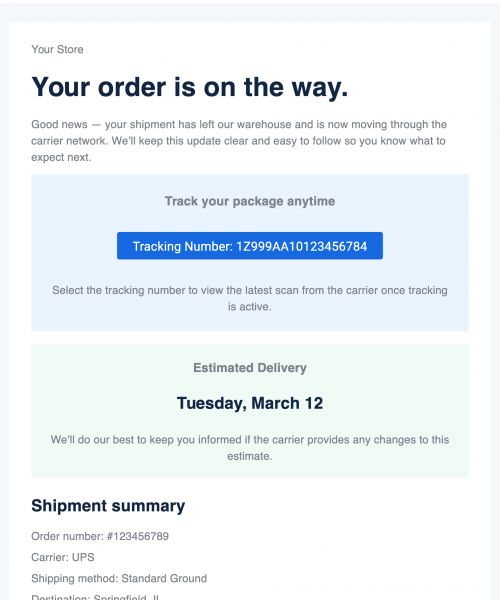
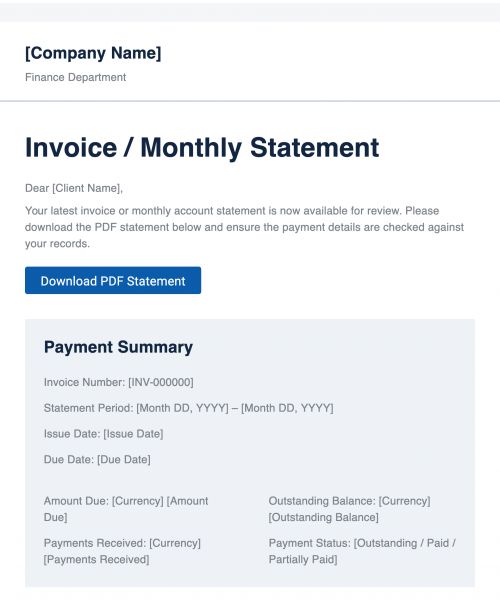

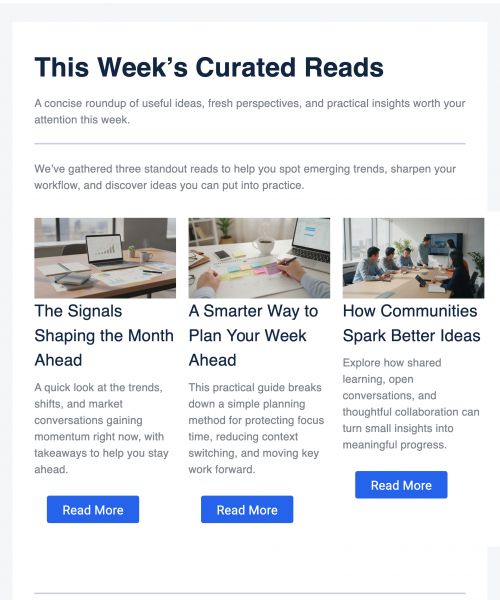


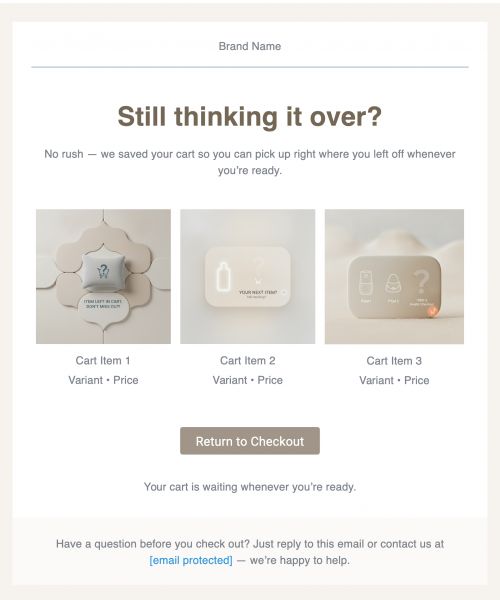
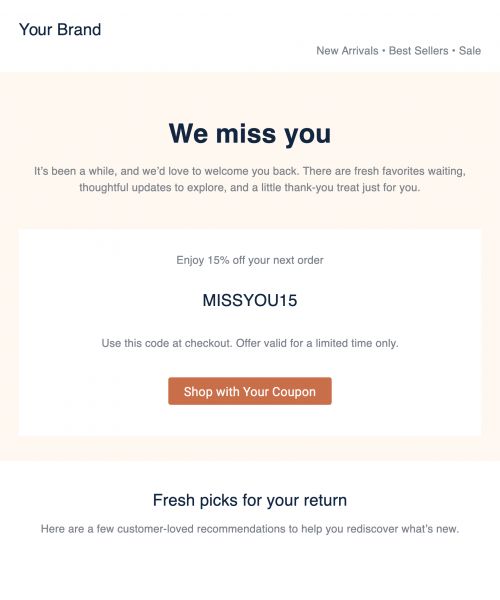
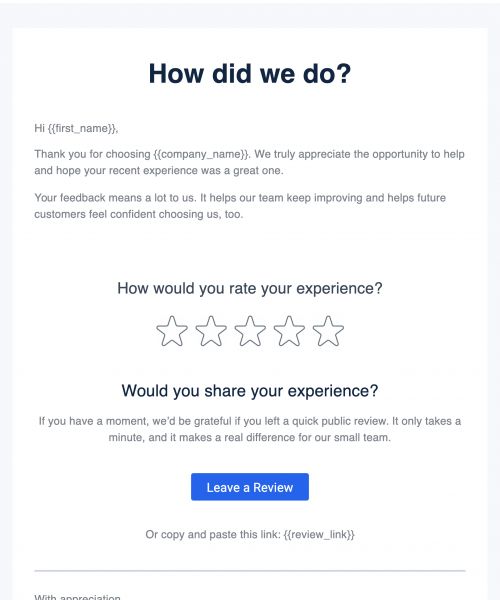
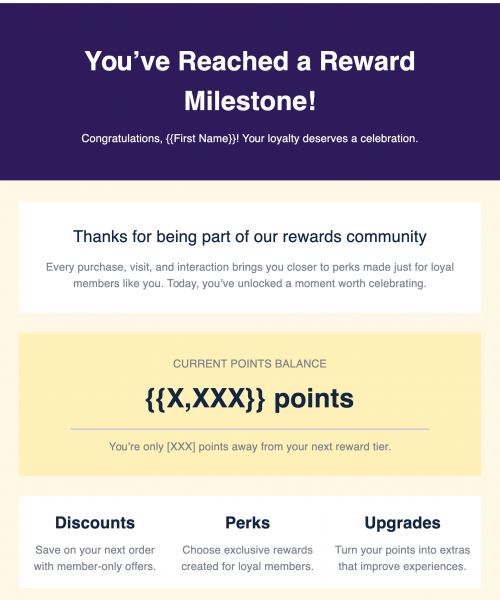
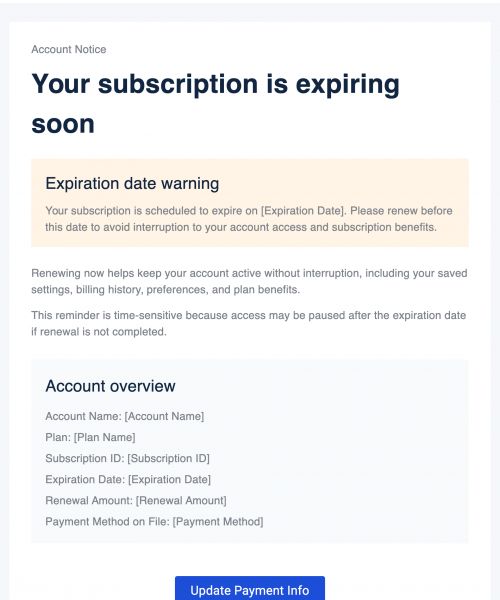
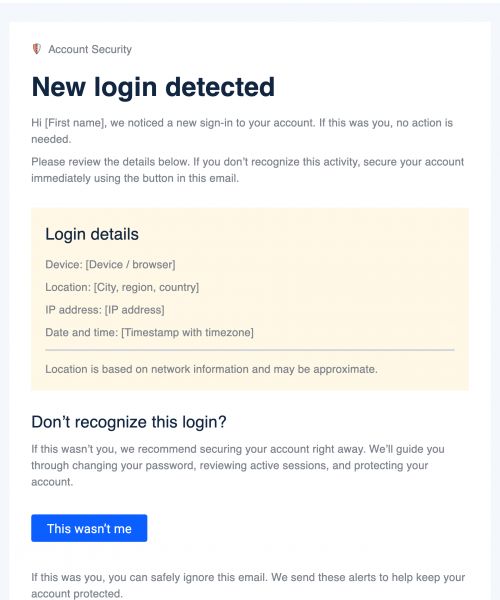
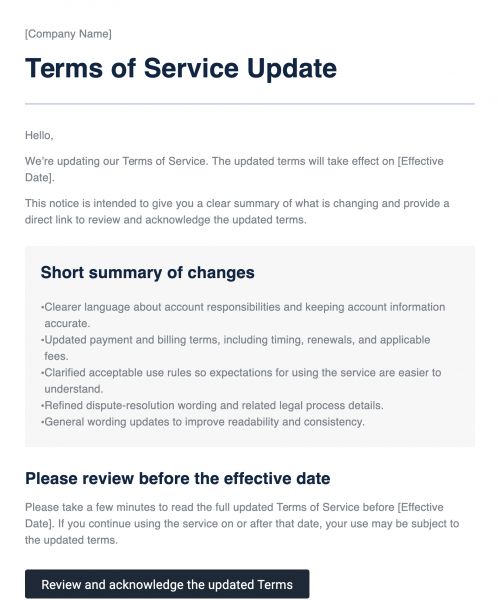
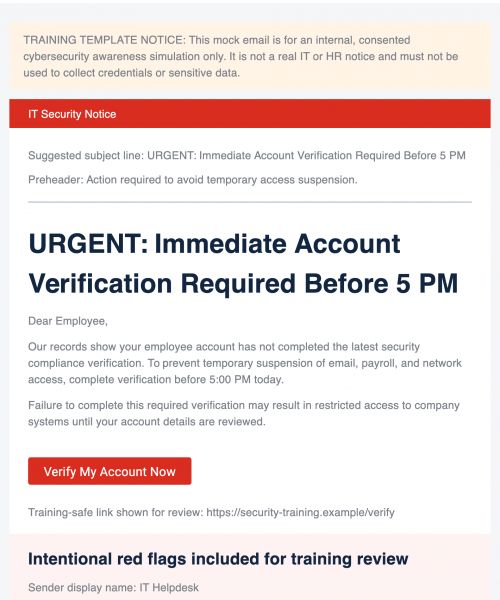
The Easiest Way to Practice, Test, and Refine Your Emails
Mock emails are proactive tools that improve every stage of your email process. From initial drafts to internal reviews, they give teams clarity, structure, and control.
- Improve Quality: Fix issues before your audience ever sees them.
- Train Teams: Help new hires learn your brand voice and format quickly.
- Simplify Reviews: Collect feedback in one place without bouncing between tools.
- Protect Brand Integrity: Reinforce consistent fonts, tone, and formatting.
- Support Experimentation: Try new ideas without worrying about live consequences.
By building mock emails into your workflow, you reduce errors, improve clarity, and increase consistency across all your communications.
Challenges With Creating Mock Emails Manually
Without a proper system in place, creating mock emails often ends in frustration. You may resort to cobbling together tools like Google Docs or forwarding draft emails, which creates confusion and inconsistency.
- Disorganized Practice Files: Drafts get lost in inboxes or scattered across tools.
- Formatting Breakage: Final designs don’t always match what was reviewed.
- No Collaboration Structure: Feedback is fragmented and hard to implement.
- Lack of Branding: Training emails don’t reflect your real brand identity.
- Limited Testing Controls: It’s tough to predict how formatting will render across email clients.
Manual methods make practicing email writing chaotic and unreliable. Mock email templates, on the other hand, bring order, structure, and professionalism to the process.
Benefits of Using Mock Email Templates
Mock email templates take your training, review, and testing workflows to a whole new level. They don’t just make life easier; they create a better standard for how your team communicates.
- Skip Starting From Scratch: Use pre-built frameworks to save time.
- Standardize Practice: Keep everyone aligned on tone, format, and brand voice.
- Enhance Team Learning: Give new hires and team members effective examples to learn from.
- Support Collaboration: Enable quick feedback loops and transparent revisions.
- Improve Final Emails: Practicing builds confidence and hones the message before it reaches the real world.
With structured mock templates, your team communicates with more clarity, consistency, and confidence across any device or server, from Gmail templates to Outlook emails.
Features For Building Mock Email Templates in Publicate
Publicate provides a flexible, training-friendly environment where your team can experiment, review, and refine in a way that mirrors your real emails.
- Editable Placeholder Text Modules: Use labeled content blocks to guide writing ("Greeting," "CTA," etc.), ensuring teams practice within real formats.
- Comments and Annotation Tools: Let reviewers leave feedback directly inside the template without switching tools.
- Shared Team Folders: Keep onboarding examples, training exercises, and reviews organized in one central location.
- Brand-Consistent Practice Layouts: Every mock reflects your real fonts, colors, spacing, and structure.
- Versioning-Friendly Duplication Tools: Duplicate and adjust templates easily to support tone testing or structure rewrites.
- Testing-Safe Preview Modes: View your email across clients without sending, ensuring it looks right every time.
- Structure-Locking for Training Exercises: Lock specific blocks so writers can focus on practicing just the parts they’re meant to.
With Publicate’s features, your team gets a training and testing environment that’s accurate, on-brand, and easy to collaborate within - all in one platform.
Best Practices for Mock Emails
A great mock email isn’t just a blank draft; it’s structured, purposeful, and built for learning. Following a few best practices ensures your team gets the most from every exercise.
- Label Every Section: Make sure writers understand the intent behind each block.
- Stay Close to Real Scenarios: The more real the context, the better the training.
- Use Short Practice Prompts: Let learners focus on structure and tone before complexity.
- Encourage Iteration: Give space for multiple drafts and feedback cycles.
- Compare Against Examples: Show what great looks like, and what needs improvement.
- Review With Teams: Group feedback sharpens everyone’s skills.
- Keep Formatting Clean: Early habits become lasting ones.
Mock emails work best when they’re practical, repeatable, and rooted in realistic content creation or newsletter layouts.
Types of Mock Email Templates
Mock email templates can be tailored to any function, department, or training goal. Here are the most common formats and how they help:
- Training Mock Emails: Help new hires learn voice, tone, and structure through guided writing exercises.
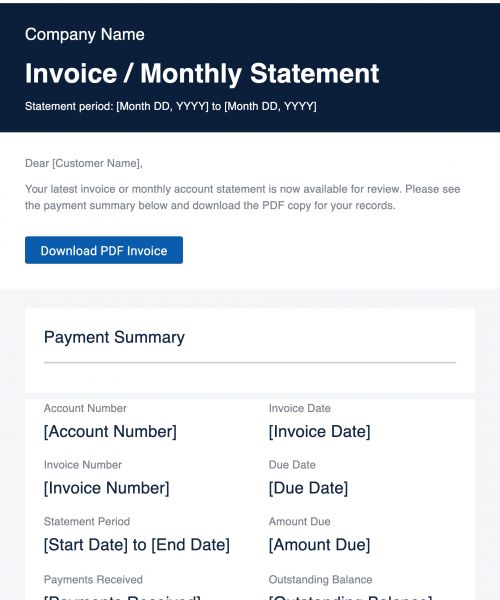
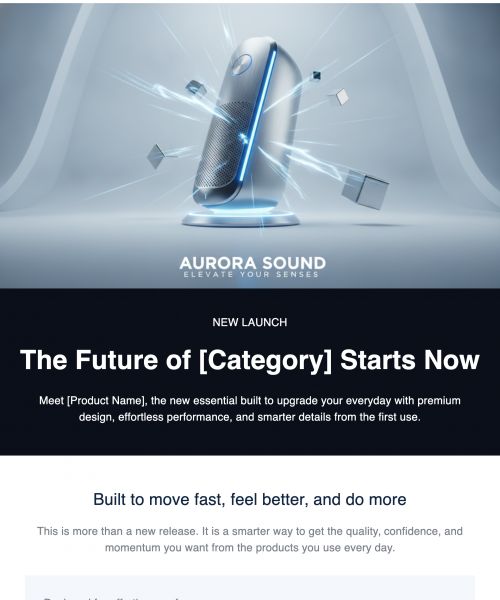
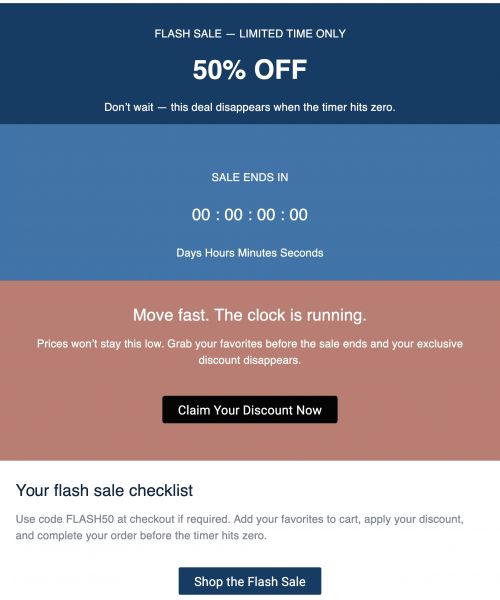
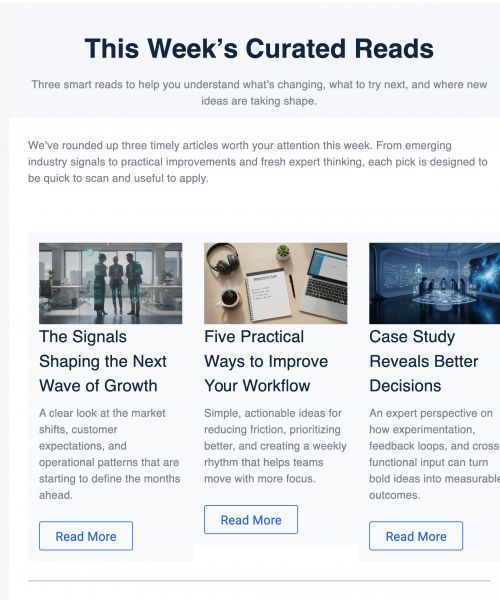
- Design Mock Emails: Preview layout, design, and spacing before launching real campaigns.
- Support Simulation Emails: Train reps to respond to customer messages clearly and empathetically.
- Sales Mock Emails: Practice outreach messaging, objection handling, and tone alignment.
- Scenario-Based Practice Emails: Prepare teams for real-world situations like crises, product launches, or sensitive responses.
- Internal Review Mockups: Let teams share in-progress campaigns for review and feedback before launch.
- Process Documentation Emails: Establish examples of what "good" looks like for internal knowledge sharing.
No matter your team or use case, mock email templates give structure to every learning moment.
When To Use Mock Email Templates
Mock email templates can be a game-changer at multiple stages of your workflow, not just during training, but anytime you need clarity before communicating. Use them for:
- Email writing training
- Onboarding support reps
- Sales messaging practice
- Campaign previewing
- Internal reviews and stakeholder feedback
- Tone-of-voice workshops
- Layout and design testing
- Documenting brand communication standards
If it’s part of your email workflow, there’s a mock template that can help shape it better.
Create Realistic Mock Emails for Testing, Training & Review
Publicate gives your team a smarter, safer way to write and test emails before they go live. With structured templates, collaboration tools, and built-in brand alignment, you can train faster, review smarter, and communicate better from one easy-to-use platform.
Try Publicate today


.svg)