
Email Templates for Executive Assistants
Why Email Templates Are Essential for Executive Assistants
Executive assistants manage dozens of moving parts at once. They coordinate schedules, prepare executives for meetings, communicate with clients and keep internal teams aligned. A large portion of this work happens through email, and many of these messages repeat day after day.
Writing everything manually is time-consuming. And when the stakes are high, pressure builds quickly. A missed detail can ripple across the entire organisation. Templates offer relief: they give EAs a dependable framework, helping them avoid starting from a blank page each time.
Templates also promote consistency. No matter who receives the message, whether it’s clients, partners or internal teams, the format stays clean and the tone stays professional. This strengthens trust in leadership communication and supports the executive’s reputation.
When EAs can move faster without sacrificing accuracy, the whole organisation benefits.
Common Email Templates Executive Assistants Rely On
Executive assistants send a wide range of emails, many of which follow repeating patterns. Having templates ready allows them to move quickly and stay organised, especially when deadlines are tight.
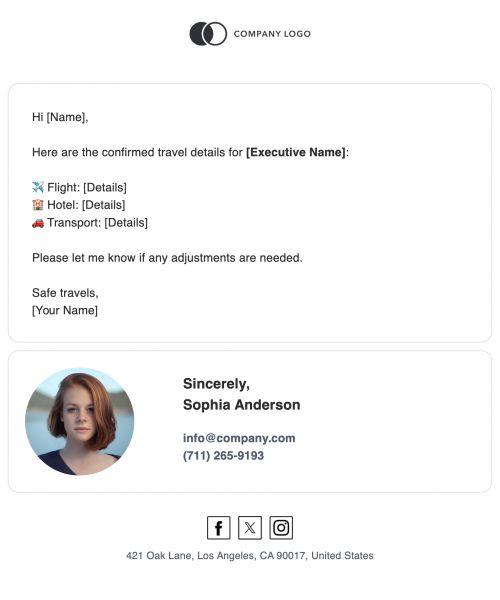
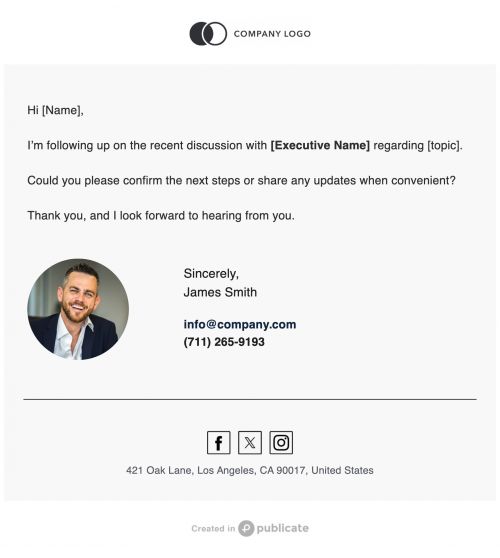
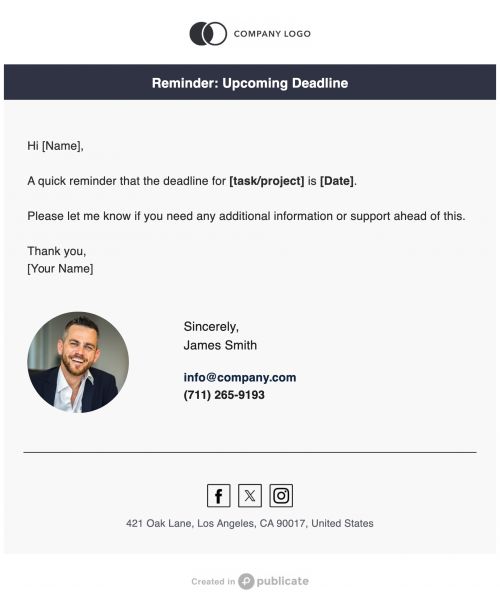
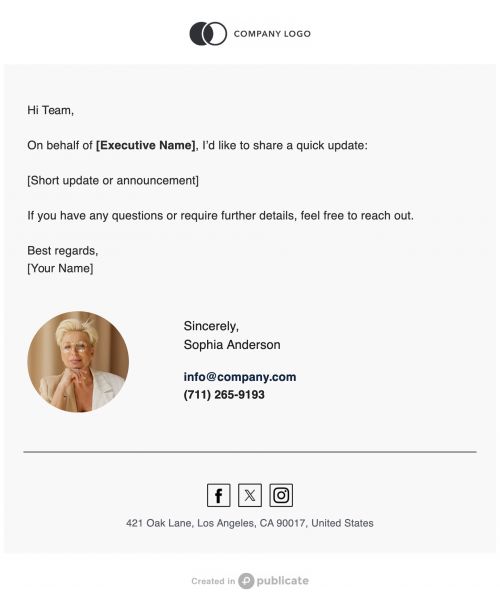
Popular templates include
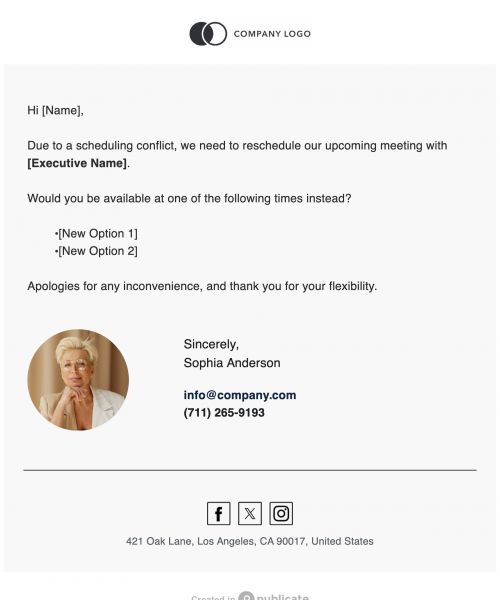
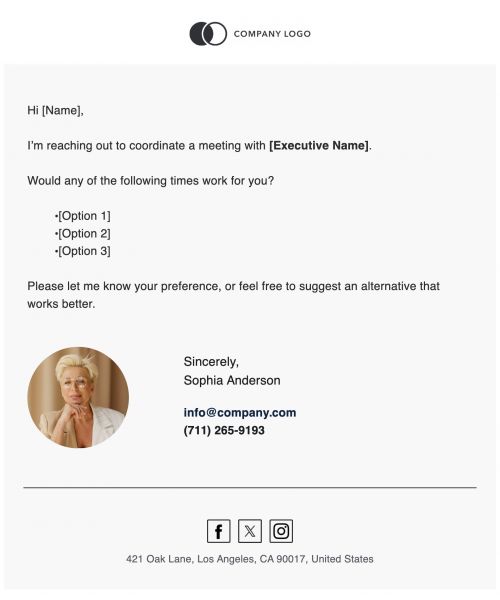
- Meeting scheduling and rescheduling
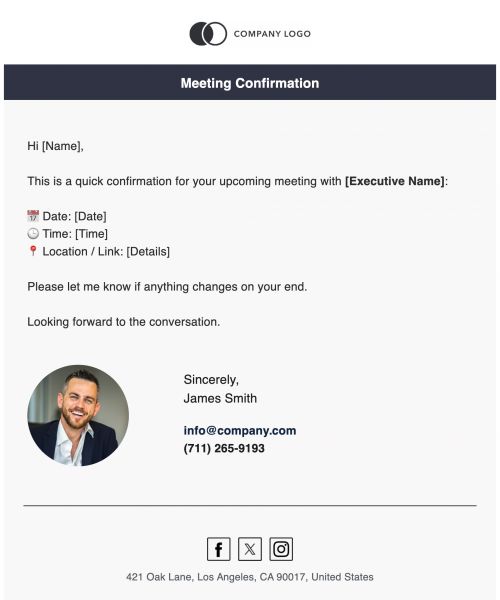
- Calendar confirmations
- Follow-ups with clients, vendors or team members
- Executive announcements or internal updates
- Travel coordination and itineraries
- Deadline reminders
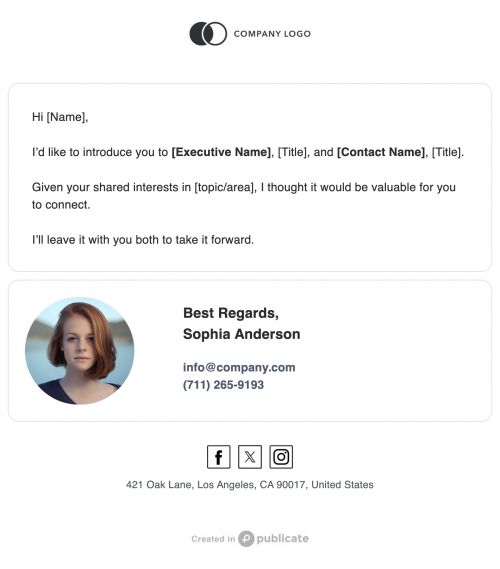
- Professional introductions
- Executive status updates
- Event or meeting recap summaries
Each one serves a distinct purpose, but they all share something important: they need to be clear, structured and easy for the recipient to act on. Professional email templates keep these messages consistent, no matter how fast the day moves.
For EAs, this library becomes a quiet safety net that’s always there, always reliable.
Features That Help Executive Assistants Work Faster with Publicate
Executive assistants don’t just need templates. They need tools that support speed, structure and accuracy across every message they touch. Publicate’s features were designed to lighten the load in exactly those areas.
- Saved Modules for Repeatable EA Tasks: EAs often reuse the same pieces of communication for travel blocks, reminders, signatures, resource lists, disclaimers. Rebuilding them repeatedly wastes time. Saved Modules allow EAs to store these elements and drop them into any email instantly, turning repeat tasks into near-effortless ones.
- Outlook & Gmail Integrations for Seamless Sending: Most assistants spend their day inside Outlook or Gmail. Publicate’s integrations plug directly into both, which means EAs can build polished communication in Publicate and send it straight through the executive’s email account. No exporting. No platform switching. Just a cleaner, faster workflow.
- Brand Kit for Professional Consistency: EAs often speak "on behalf of" their executives. Tone, structure and visuals need to feel aligned with the organisation’s brand. With the Brand Kit, all colours, fonts and logos are stored once and applied automatically in every template. It keeps communication consistent and prevents small formatting errors that might reflect poorly on leadership.
- Dynamic Link Scraping for Quick Resource Sharing: Sharing links to agendas, documents or external resources is part of everyday EA work. Instead of manually formatting each one, Publicate scrapes the URL and generates a clean preview that includes the title, description and image. It saves time and makes email content more visually structured and easier to read.
- Analytics for High-Visibility Messaging: Some EA emails are high-impact: an executive announcement, a deadline reminder or an important follow-up. Publicate tracks opens, clicks and CTR, even when emails are sent through Outlook or Gmail. This added insight gives EAs valuable insight into whether the message landed as intended.
Together, these features reduce manual work, prevent errors and help EAs communicate with more clarity and control.
Best Practices for Executive Assistant Emails
The best EA communication is calm, clear and intentional. Templates make that easier, but a few simple habits help messages land even better.
- Lead with the most important detail. Busy people skim, so the purpose needs to be obvious right away.
- Keep paragraphs short and focused. Avoid over-explaining when simple language works best, especially when the message involves logistics.
- Tone matters too. Since EAs often represent an executive’s voice, messages should feel steady and professional without sounding stiff.
- A clear call-to-action helps the recipient know what to do next, whether that’s confirming a meeting, reviewing a document or taking a specific step.
Templates help EAs follow these best practices naturally because the structure is already set. There’s no need to reinvent the wheel each time.
When Executive Assistants Should Use Email Templates
Templates help in almost every part of an EA’s workflow. Some scenarios benefit from them even more.
Daily scheduling becomes faster. Travel planning becomes cleaner. Vendor communication becomes more consistent. Templates provide structure for executive updates, follow-ups and weekly summaries. They’re also helpful when timelines shrink or stress rises, because the EA doesn’t have to start from scratch.
Even crisis communication when speed and calmness matter the most becomes easier when the layout is already built and ready to go.
Templates protect EAs from unnecessary errors, support a composed tone and give structure to situations that can otherwise feel chaotic.
Get Started with Email Templates for Executive Assistants
Executive assistants work at the heart of the organisation. Their communication sets the pace for teams, projects and people. Publicate’s templates help them work faster, stay organised and deliver messages that feel polished every time.
Great communication supports great leadership. Publicate gives executive assistants the tools to deliver that every day with confidence and ease.


.svg)