The Power Of Newsletter Software, The Safety Of Outlook
Professional email newsletters in minutes. No exporting. No importing. No switching between tools.
It’s as simple as drag, drop, send.
Build beautiful Outlook newsletters with drag & drop simplicity
- No design skills needed - just drag and drop
- Complete flexibility over layouts and branding
- Crop, resize and align images directly within the editor
- Stay on-brand with reusable templates, modules and Brand kits
- A full library of content modules and templates, ready to customise.
Internal comms, employee updates, company-wide announcements - same drag-and-drop editor for all of it.
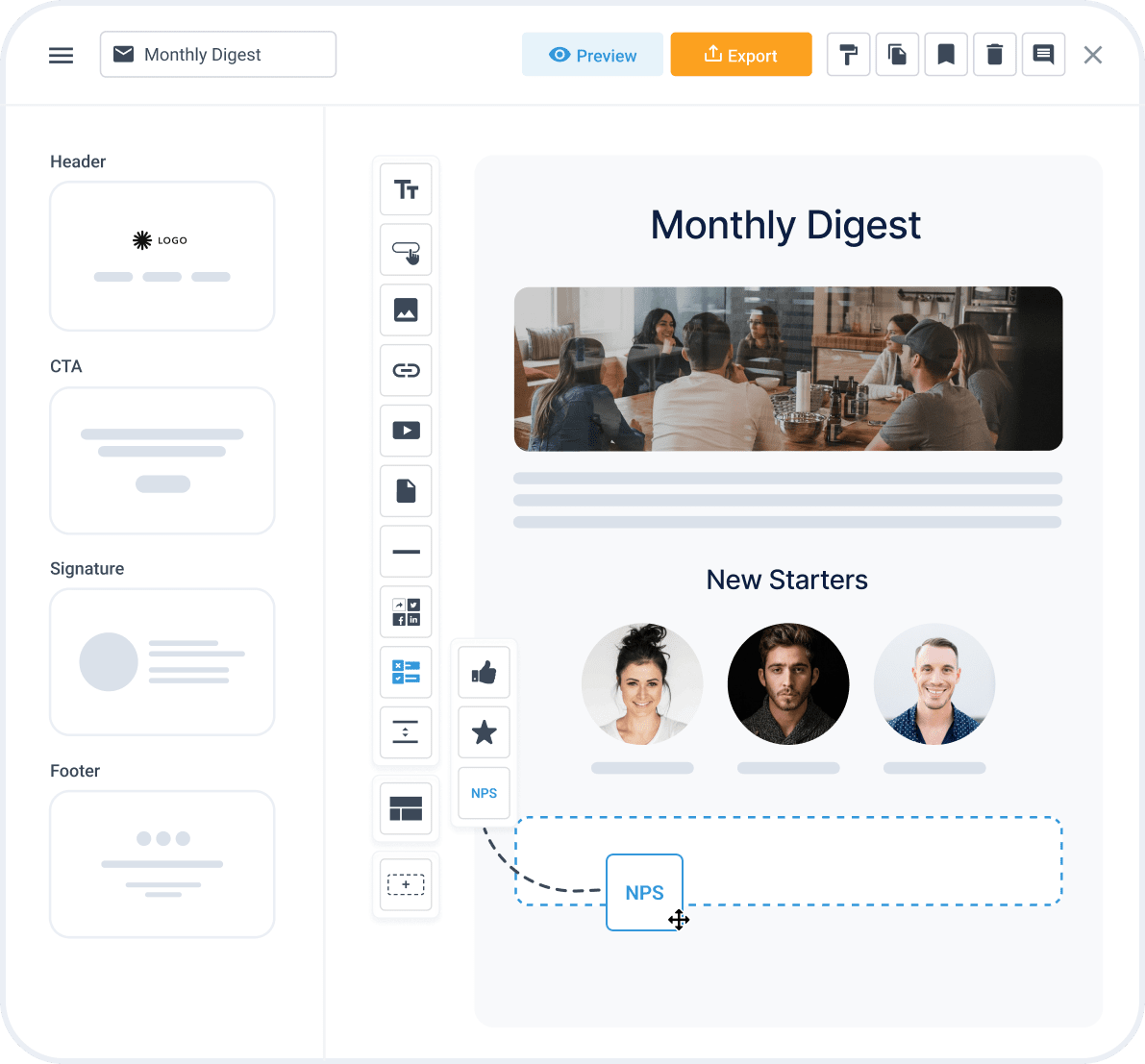

Add engaging features that drive action
- Add professional call-to-action buttons
- Drop in images, video and rich media without touching code
- Collect employee feedback through surveys and polls
- Encourage social engagement with follow and share features
Give people something to click, not just something to read.
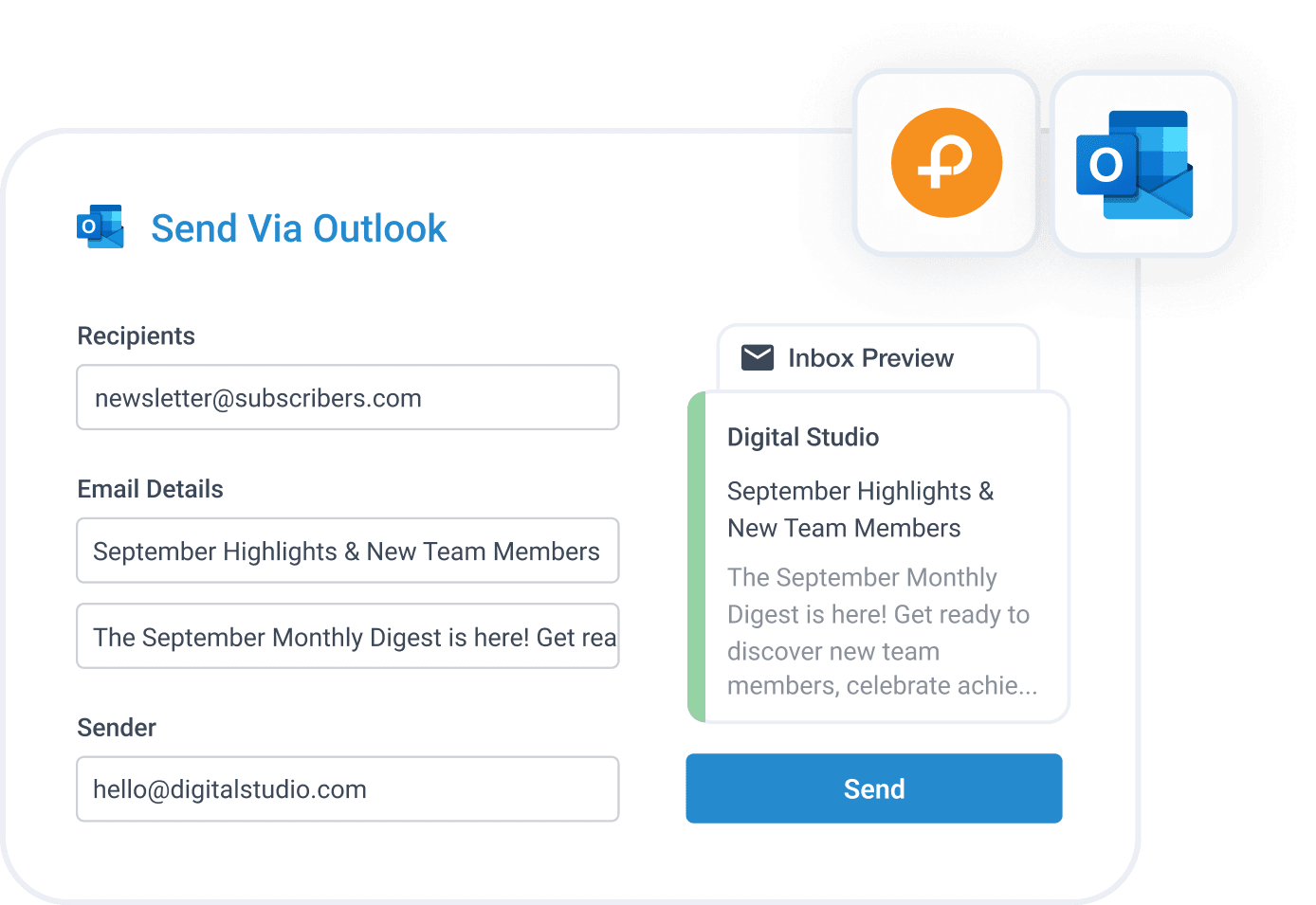
Send newsletters through Outlook without leaving Publicate
- Use existing Outlook contacts and distribution lists
- Send newsletters through Outlook directly from Publicate
- Generate subject lines and metadata with optional AI assistance
- Preview how emails appear in recipients’ inboxes
- Send newsletters at scale with bulk distribution
No exporting. No importing. No switching between tools.

See What's Actually Working In Your Outlook Newsletters
- Track opens, clicks and content engagement
- View click maps and heatmaps to identify popular content
- Understand readership by location and device
- Analyse poll results and employee feedback
- Compare newsletter performance over time and against other newsletters
See what people actually read and clicked, then do more of that next time.
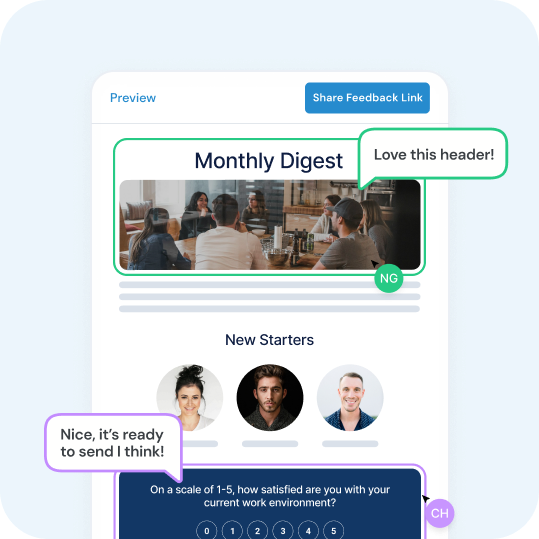
Collaborate on newsletters with your team
- Invite colleagues into shared workspaces
- Co-edit newsletters in real time
- Gather feedback through approval workflows
- Manage access with granular permissions
Create Outlook email newsletters together, without endless email chains and document versions.


Why Use Publicate For Outlook Newsletters?
-
Outlook was designed for email, not newsletter creation
-
Building attractive multi-column layouts can be difficult
-
Design and formatting options are limited
-
Professional call-to-action buttons are difficult to create
-
Polls and surveys aren’t built into Outlook newsletters
-
Social sharing and engagement tools are missing
-
Limited control over image alignment and placement
-
No built-in image editing or cropping tools
-
Restricted layout and design flexibility
-
No need to move contacts or distribution lists into another system
-
Keep employee and audience information within your existing Microsoft ecosystem
-
Design newsletters in Publicate and send through Outlook and maintain compliance
Frequently Asked Questions

Does Publicate integrate with Microsoft Outlook and Office 365?
Yes. Publicate connects directly to Outlook so newsletters send from your existing account, using your existing Outlook contacts and distribution lists - no separate email platform required.
Do I need design or coding skills to build an Outlook newsletter in Publicate?
No. Publicate is fully drag and drop, with professionally designed templates and content modules, so you can build a polished newsletter without touching code.
Can multiple people collaborate on the same Outlook newsletter?
Yes. Invite colleagues into a shared workspace, co-edit in real time, and route newsletters through approval workflows before they send.
Will our contact lists and distribution groups stay inside Outlook?
Yes. Publicate sends through your existing Outlook account, so contacts and distribution lists never need to move into a separate system.
Can I track opens, clicks and engagement on newsletters sent through Outlook?
Yes. Publicate provides analytics including opens, clicks, click maps and heatmaps, readership by location and device, and poll or survey results.
Ready To Send Better Outlook Newsletters?
Join thousands of organisations creating beautiful Outlook email newsletters with Publicate.