
Retirement Email Templates
Key Roles Retirement Emails Play
A great retirement email does more than share a departure - it celebrates legacy, reinforces values, and provides clarity during transition. Organizations that get this right honor their people and support continuity at the same time.
- Celebrate Employee Impact: Retirements mark meaningful career milestones.
- Reinforce Company Culture: Recognition communicates values.
- Clarify Transitions: Teams need to understand coverage and next steps.
- Strengthen Community: Farewells support positive team morale.
- Maintain Communication Standards: Consistency reflects professionalism.
Creating retirement-focused emails outside of regular internal comms newsletters helps organizations close one chapter with respect while preparing everyone for what’s next.
Challenges Without Reusable Templates
When written from scratch, retirement emails can be awkward, rushed, or inconsistent. Managers struggle with tone. HR risks omitting key details. And messages vary widely from team to team.
- Tone Sensitivity: Retirement emails must be warm, respectful, and measured.
- Missing Key Details: Dates, transitions, or contacts get forgotten.
- Inconsistent Recognition: Uneven messaging leads to cultural misalignment.
- Time Pressure: HR and managers often scramble to write announcements.
- Formatting Issues: Long messages can feel dense or overwhelming.
Templates solve these problems by giving teams a ready-made framework that saves time, improves consistency, and elevates the tone of every retirement announcement.
Benefits of Using Retirement Email Templates
Retirement templates offer both operational ease and emotional intelligence. They make it easier for organizations to communicate transitions while celebrating people with professionalism and care.
- Consistent, Respectful Tone: Messages stay warm and polished.
- Comprehensive Structure: Ensures no important detail is missed.
- Faster HR & Manager Preparation: Saves time while maintaining quality.
- Improved Morale: Teams appreciate thoughtful, celebratory communication.
- Clear Operational Updates: Everyone understands transitions.
Templates help you lead with appreciation while making sure nothing gets lost, creating better farewells for everyone involved.
Features That Support Retirement Emails
Publicate makes it easy to craft polished retirement messages that feel personal, informative, and aligned with your brand. These features help whether you're announcing a milestone departure or confirming retirement logistics with HR.
- Recognition-Focused Content Blocks: Create prebuilt sections specifically for contributions, achievements, and career highlights.
- Flexible Storytelling Modules: Use expandable text areas designed for expressing gratitude, sharing memorable milestones, or including quotes from colleagues.
- Milestone-Themed Header Options: Apply subtle celebratory headers aligned with brand guidelines for a warm but professional look.
- Team Collaboration and Signing Sections: Allow managers or colleagues to add supportive notes before finalizing the announcement.
- Smooth Transition Notification Blocks: Include labeled fields for final work dates, new points of contact, and handover steps.
- Document Preview Cards for Retirement Guides: Automatically convert links to retirement resources, benefits documents, or HR materials into clean, clickable cards.
- Clean Narrative-Friendly Layouts: Support storytelling without clutter, ideal for long-form recognition messages.
With these features, retirement emails become more than just notices; they become part of your company culture. You can honor their legacy while keeping communication clear and polished.
Best Practices for Retirement Emails
Striking the right tone and structure ensures your message feels as professional as it is heartfelt. Following best practices keeps the focus on gratitude and operational clarity.
- Lead With Appreciation: Acknowledge tenure and contributions early.
- Share Highlights: Mention meaningful accomplishments or milestones.
- Keep Tone Positive: Focus on celebration rather than loss.
- Clarify Transition Details: Provide coverage and next-step information.
- Stay Professional: Avoid overly personal commentary.
- Mention Final Date Clearly: Ensure team alignment.
- Include Optional Well-Wishes: Encourage colleagues to express support.
Following these practices ensures retirement communication is memorable, dignified, and in tune with your organizational values.
What to Include in a Retirement Email Template
Whether company-wide or department-specific, retirement emails should cover key facts while conveying heartfelt appreciation.
- Employee’s Name & Role: Personalize the announcement clearly.
- Retirement Date: Share the final working day and timeline.
- Years of Service: Highlight tenure to honor the milestone.
- Key Achievements: Include projects, leadership, or cultural contributions.
- Team Transition Plan: Clarify who will handle responsibilities moving forward.
- Next Steps for Colleagues: Suggest ways to share messages, memories, or well-wishes.
- HR Resources: Link benefits, offboarding instructions, or retirement materials.
- Warm Farewell Message: Close with grace and appreciation.
Publicate’s templates guide you through each of these sections so nothing gets missed. With the right employment communication tools, every message feels complete and thoughtful.
Examples of Retirement Email Templates
Different situations call for different tones and structures. Publicate offers flexible retirement email templates tailored for various use cases and audiences.
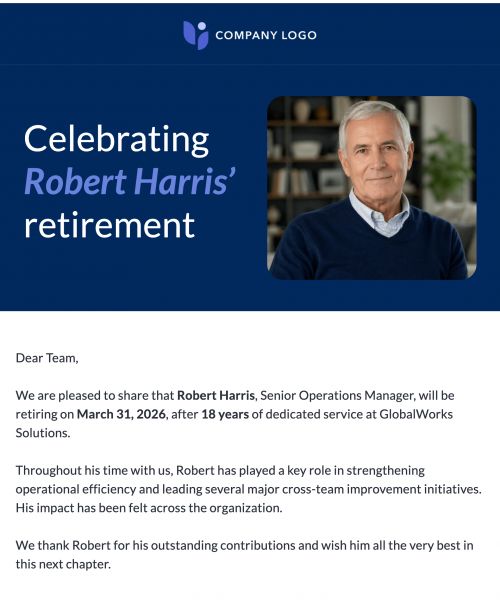
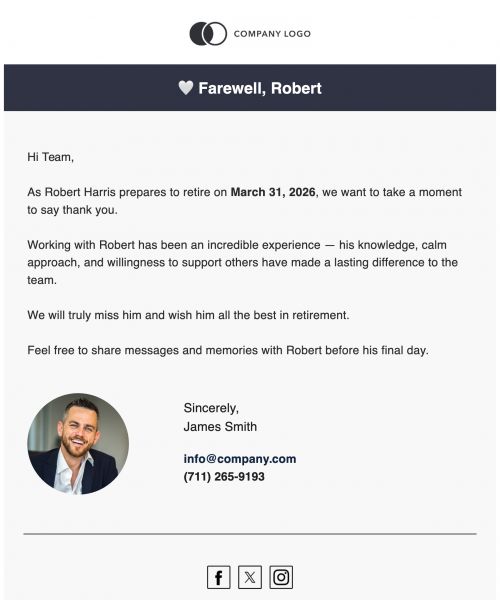
- Company-Wide Retirement Announcement: Informs the entire organization with the goal of celebrating the employee and providing transition details.
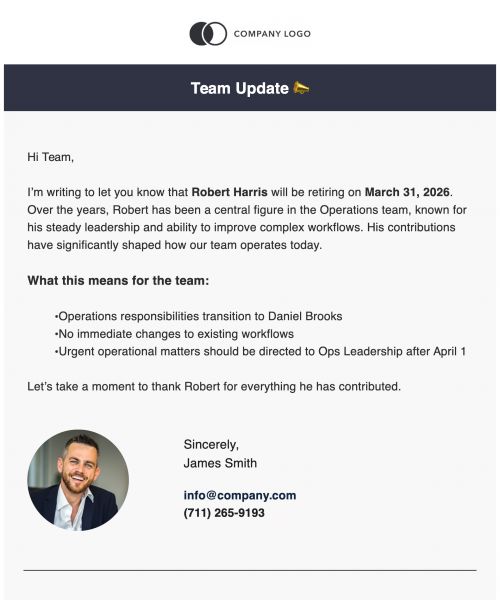
- Manager Retirement Announcement: Shares details with a specific department with the goal of aligning team workflows.
- Peer or Team Farewell Email: Sent by colleagues with the goal of expressing gratitude and encouragement.
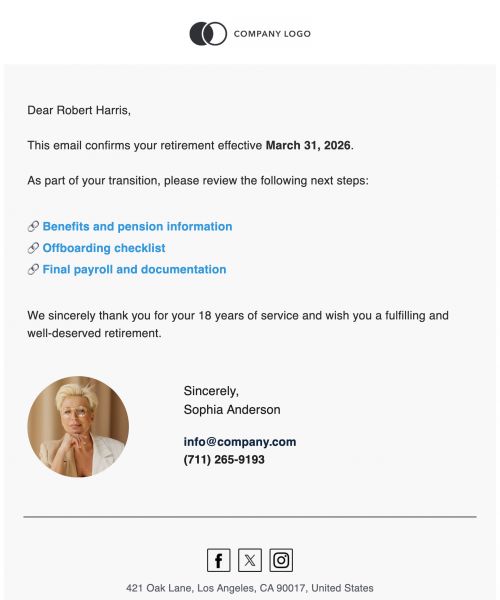
- HR Retirement Confirmation Email: Communicates official next steps with the goal of outlining procedures and required documentation.
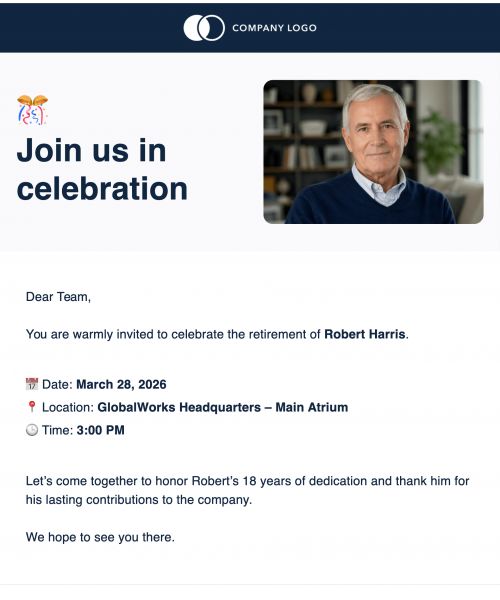
- Retirement Celebration Invitation: Invites staff to an event with the goal of honoring the retiree.
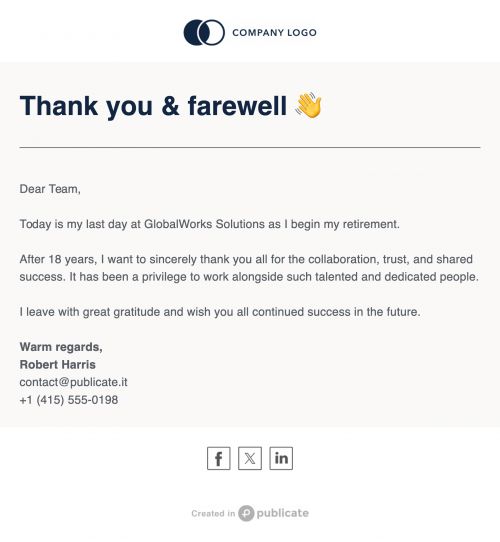
- Final-Day Farewell Email From the Retiree: Expresses personal gratitude with the goal of closing relationships warmly.
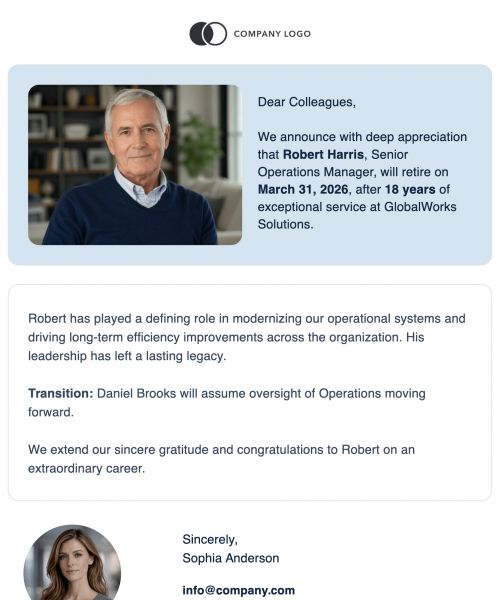
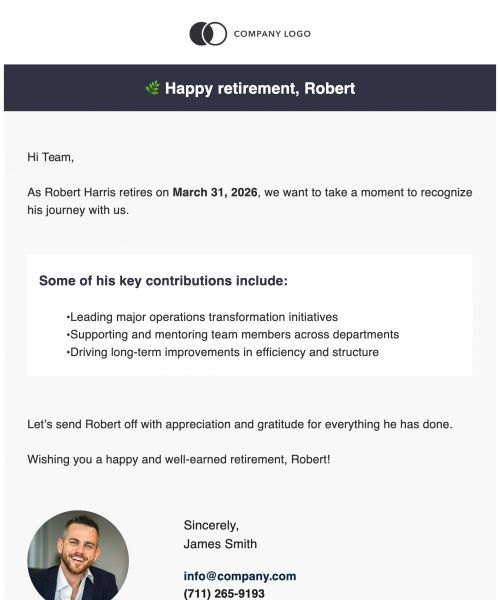
- Leadership Retirement Announcement: Crafted for high-profile retirements with the goal of sharing legacy and organizational impact.
No matter who the message comes from or goes to, Publicate gives you the tools to say farewell with clarity, grace, and impact.
Create Warm, Professional Retirement Emails in Minutes
Saying goodbye well is part of building a lasting culture. With Publicate, you can design heartfelt, structured, and professional retirement announcements that honor the individual and support the team. With the right templates, retirement communication becomes something meaningful for the person leaving and for everyone staying. Create thoughtful retirement email templates with Publicate. Discover well-structured sections for acknowledgments, transitions, and warm send-offs.
Try Publicate today.


.svg)