In our January 2025 edition of Online Campus News You Can Use, we advise you of important tool updates, tasks, and upcoming events to help faculty deliver high quality online instruction.
Hot Topics
Blackboard Ultra Updates
The following new features and fixes will be available with our update to version 3900.108 by January 11, 2025. To prepare your SP2025 sections, see our Semester Success Toolkit.
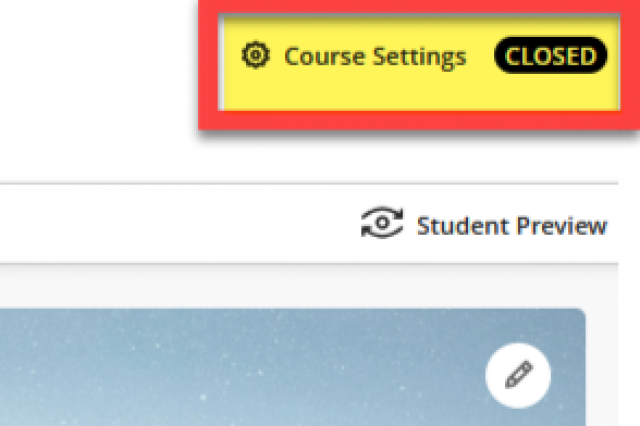
- 🔥 Manage course access from Course Settings - see video
- Improvements to AI Design Assistant Outputs
- Improvements to AI Design Assistant Image Generation
- Expanded Language Outputs for AI Design Assistant
- Direct Grade Entry from the Grid view or Submissions Page
- Improvements to File Uploads for Content Designer: Documents
- Improvements to Content Blocks for Content Designer: Documents
- Set Default Automatic Zeros to Off in the Gradebook for New Courses
- Add Submission Attempts for Release Conditions
AI Design Assistant - Journals and AI Conversations
By January 11th, we will release the Blackboard AI Design Assistant tools for generating a Journal and AI Conversation. AI Conversation is a new assessment type for creating Socratic questioning and role play exercises. See the following videos for a demonstration of creating these assessment types.
Reminder - Use Updated Career Essentials Rubrics in SP2025
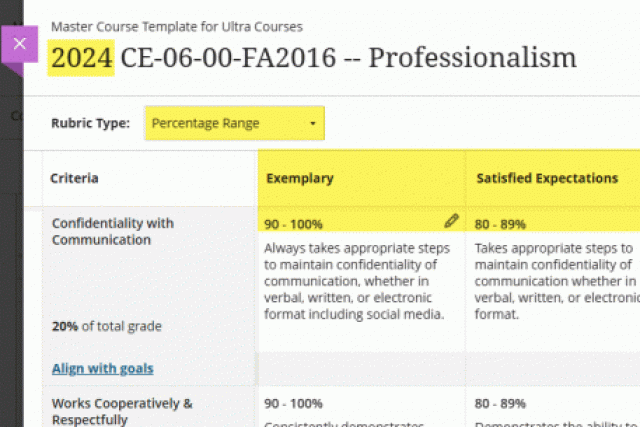
Per the Assessment Committee, the Spring 2025 semester course shells will be issued with updated versions of the Career Essentials rubrics. When setting up a Career Essentials assessment, choose a rubric that starts with "2024" in the name to ensure that you are using the latest version. The new rubrics utilize revised performance level labels and a consistent percent-grade scoring system. The goals and assessment process will remain the same.
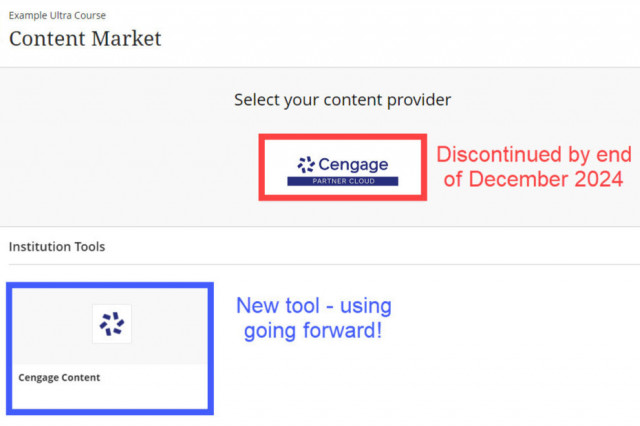
Reminder - Cengage Partner Cloud End of Life
Anthology will discontinue the legacy Cengage Partner Cloud integration in the Ultra Content Market in Spring 2025. When preparing your upcoming sections, use the Cengage Content LTIA tool to make a smooth transition to the supported integration. Any remaining Partner Cloud integrations will be migrated to LTIA after May 30, 2025. Contact a Cengage representative and Cengage Technical Support for direct assistance with this product.
Upcoming Special Events

Anthology's Innovative Educator Series
Join educators from around the globe in this dynamic three webinar series. The first session, about using the power of AI for personalizing learning, will be offered on February 7th at 11 AM CST. Sign up today!
Blackboard Ultra Support Drop-in Workshops
Have questions about Blackboard, Regular & Substantive Interaction, or online teaching? Join Online Learning's faculty liaisons at our drop-in workshops for expert guidance and hands-on training. Explore the Spring 2025 Drop-in Workshop Schedule for topics, dates, and times!
Ally Workshop Spring 2025 Schedule
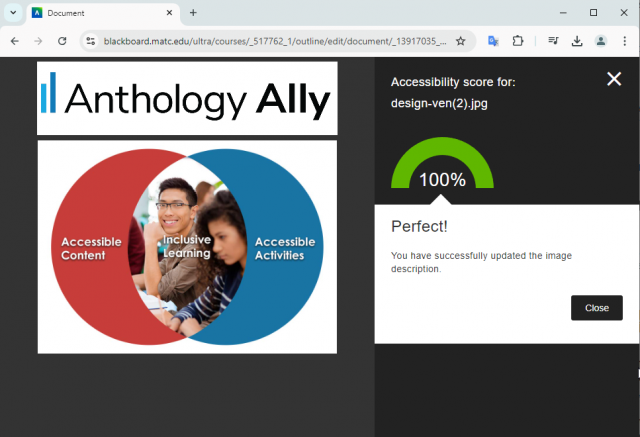
The accessibility of course materials has a direct impact on a student’s learning experience, sense of inclusion, and ultimate success. In collaboration with MATC's Center for Teaching Excellence, we are pleased to announce our Ally Workshop Schedule for Spring 2025. See the schedule for dates and registration links.
In these virtual and in-person sessions, you will learn how Ally benefits students, practice using Ally to address common file accessibility barriers, and explore Alternative File Download formats, such as speech-to-text MP3 audio, and text translation to over 71 languages.
In these virtual and in-person sessions, you will learn how Ally benefits students, practice using Ally to address common file accessibility barriers, and explore Alternative File Download formats, such as speech-to-text MP3 audio, and text translation to over 71 languages.

Training for Teaching Online
The Faculty Appendix will soon contain language that requires new instructors expecting to teach online, blended, virtual, hybrid, or hyflex courses to complete ZERD-190 and ZERD-219 as well as demonstrate the 21st Century Classroom Level 2 standards. See our Spring 2025 Training Course Schedule for a full list of our offerings.
Ultra Support
Faculty Resources
The Center for Teaching Excellence provides one on one faculty Blackboard Ultra support. Contact your faculty development coach or cte@matc.edu. The Online Learning faculty liaisons are available by appointment to consult regarding high quality online instruction. For high-level troubleshooting of errors or activity that requires investigation, Contact the Online Campus. A Blackboard administrator will be in contact with you.
For self-directed or just-in-time training on Blackboard Ultra and other tools, see the following resources on the Ultra Faculty Support website:
Student Resources - Share with Your Students!
See our Staff Resources Guide to Blackboard Ultra to review the training and support options we provide to students. In addition to options for live and self-paced online learning orientations, students can access support through the Student Online Learning Support Site.
Share our self-paced Online Readiness module and live orientation webinar schedule with your students to help them learn about the tools, tasks, and strategies to start their studies strong. If you share the Online Readiness module as a link in your course, use this specific URL: https://www.go2orientation.com/learn/course/matc-online-readiness?client=matc. This will take the student to an MATC login page where the student will log in with their MATC network account!
Log into the Online Orientation with an MATC network account to access a self-paced overview of the tools and processes successful online students use in their classes.
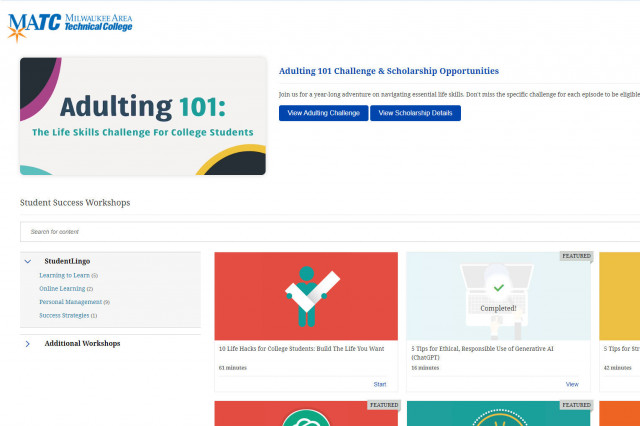
When logged into the Online Orientation, click on the Student Success Workshops link for on-demand training on generative AI, study skills, life skills, and more!

RSVP to join a Google Meet session lead by experts in the Online Campus. These sessions are perfect for viewing a live demonstration of Blackboard navigation and asking questions.