
Welcome to the September 2024 edition of Online Campus & Edtech News, a brief monthly student-focused newsletter to support your success in online learning and use of educational technology resources at Milwaukee Area Technical College. In this edition, we share resources to orient you to using our online tools and help start your studies with confidence.
Important Updates
Blackboard Update
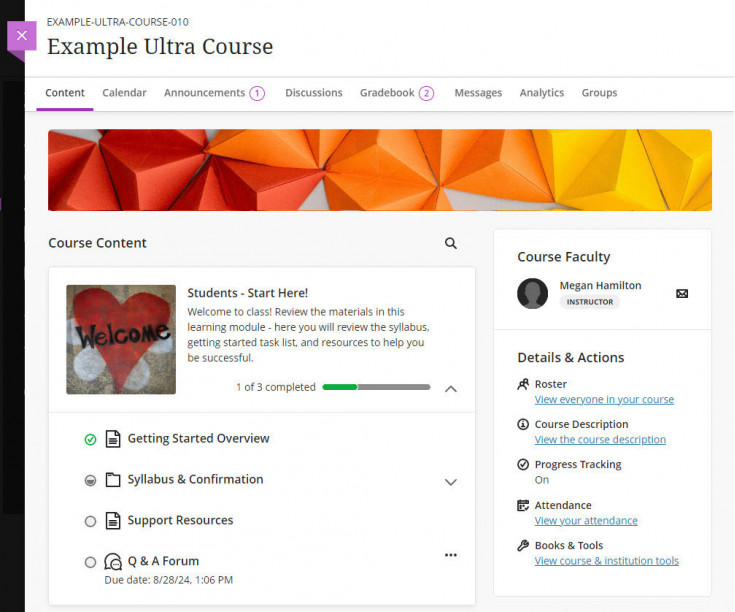
Blackboard is being updated on September 7, 2024. Students will see the following changes to their courses that improve navigation and accessibility on mobile and screen-reading devices:
- Course Content will move to the left side of the page.
- Course Faculty and Details and Actions menus will move to the right side of the page.
- Content folders and modules will have improved visual depth.
These changes only apply to the visual look and feel of the Course Content page. No changes to learning materials, tools, or settings will occur.
Tools & Resources
Online Learning Resources
If you are taking online or partially online courses this semester, we strongly view the self-paced Online Readiness module or attend a live orientation webinar to learn about the tools, tasks, and strategies to start your studies strong. Additional student success workshops are available for on-demand training on specific academic and career skills.
Log into the Online Readiness module with an MATC network account for a self-paced overview of the tools and processes successful online students use in their courses.
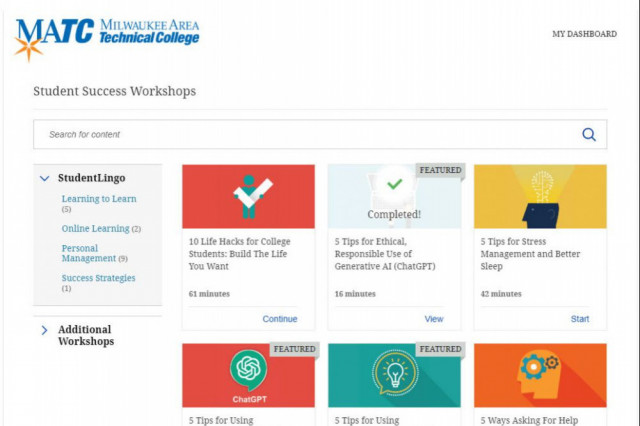
Log into the Online Orientation and click Student Success Workshops for on-demand training on financial literacy, reducing test anxiety, student success strategies for first generation students, and more!

Blackboard Navigation Support
The college's official platform for delivering courses is Blackboard. All online and partially online courses use Blackboard, but instructors teaching face to face courses may also use Blackboard to provide content, assessments, and grade feedback. See the Online Access Guide and the Online Student Support Website for support.
If you have questions or concerns about online learning, contact the Online Campus.
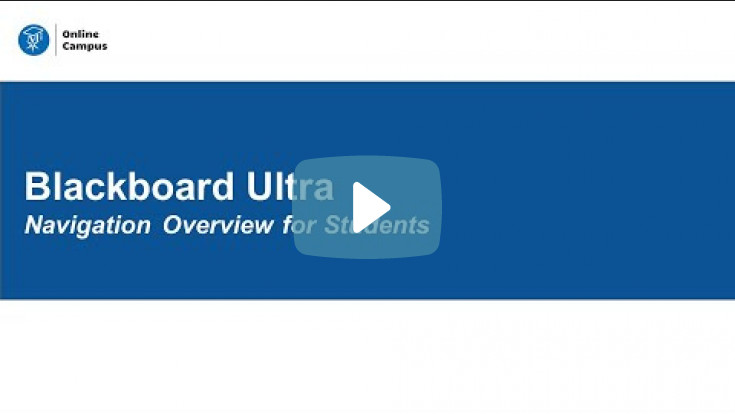
In this new video, students will learn how to navigate the Ultra Base Navigation and Ultra courses. Additional tutorials are provided to the right of the page.
Using Ally in Blackboard Ultra
Did you know that you can download course materials from Blackboard in alternative formats and languages? Wherever you see the Ally "A" symbol in an Ultra Course, you can click to download content as speech-to-text MP3 audio, machine translated language, and electronic braille, or use assistive tools such as beeline reader and immersive reader.


Watch this video to learn about alternative document formats.
Ally Resources
Community & Connection Corner
Student Support Hub


