
Welcome to the August 2024 edition of Online Campus & Edtech News, a brief monthly student-focused newsletter to support your success in online learning and use of educational technology resources at Milwaukee Area Technical College. In this edition, we share resources to orient you to using our online tools and help start your studies with confidence.
Tools & Resources
Online Learning Resources
If you are taking online or partially online courses this semester, we strongly view the self-paced Online Readiness module or attend a live orientation webinar to learn about the tools, tasks, and strategies to start your studies strong. Additional student success workshops are available for on-demand training on specific academic and career skills.
Log into the Online Readiness module with an MATC network account for a self-paced overview of the tools and processes successful online students use in their courses.
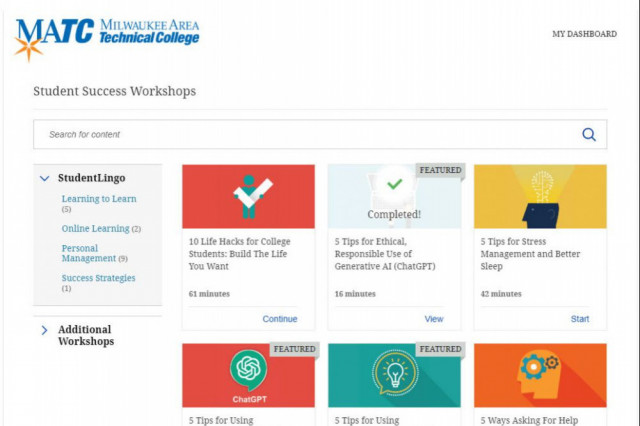
Log into the Online Orientation and click Student Success Workshops for on-demand training on financial literacy, reducing test anxiety, student success strategies for first generation students, and more!

Blackboard Navigation Support
The college's official platform for delivering courses is Blackboard. All online and partially online courses use Blackboard, but instructors teaching face to face courses may also use Blackboard to provide content, assessments, and grade feedback. See the Online Access Guide and the Online Student Support Website for support.
If you have questions or concerns about online learning, contact the Online Campus.
In this new video, students will learn how to navigate the Ultra Base Navigation and Ultra courses. Additional tutorials are provided to the right of the page.
Using Ally in Blackboard Ultra
Did you know that you can download course materials from Blackboard in alternative formats and languages? Wherever you see the Ally "A" symbol in an Ultra Course, you can click to download content as speech-to-text MP3 audio, machine translated language, and electronic braille, or use assistive tools such as beeline reader and immersive reader.


Watch this video to learn about alternative document formats.
Ally Resources
Academic Integrity and AI
Over the past year, you may have heard about generative artificial intelligence (AI) tools that can answer questions, summarize text, create multimedia, or compose written works. It might be tempting to use AI when completing assessments, but these tools may give wrong or biased information. If you choose to use AI tools as study aids, always use critical thinking and check the accuracy of the information. Furthermore, never share personal or sensitive information with generative AI tools. Whatever you share with the tool may become a part of its data model and be shared with others!
At MATC, instructors want to see your own ideas and experiences reflected in the work you do. They may frequently ask you to show what you've learned in class through written outlines and drafts, creative projects, discussions, skill demonstrations, and reflections about what you've learned. If you decide to use AI tools to help you complete this work, cite the use of AI tools in your compositions. Presenting AI generated content as your own without attributing the source counts as plagiarism!
Refer to the Student Code of Conduct to learn about the college’s expectations for academic integrity. You are responsible to know and follow campus policies.
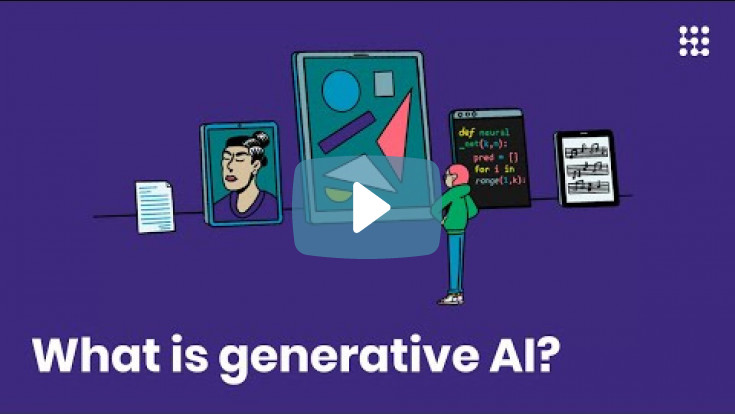
You've probably heard of ChatGPT, Midjourney, prompts and deepfakes. But what exactly is "generative AI"? That's what you'll learn in our explanatory video in two minutes!
Community & Connection Corner
Student Support Hub


